Keep your Nokia N1 Tablet’s screen clear and smooth for everyday use. This Hydrogel Screen Protector helps maintain display clarity, giving you a comfortable viewing experience and simple peace of mind while using your tablet.
Main Features
Designed for Nokia N1 Tablet
Hydrogel screen protection
Helps maintain screen clarity
Thin, lightweight coverage
Easy and straightforward application
Installation Instructions:
Remove your old screen protector
Clean the screen with the wipes provided. First the wet wipe then the dry wipe.
Remove the hydrogel screen protector from the card
Lift each corner carefully ensuring that you keep the back plates attached
Align the screen protector on your tablet & stick it in place
Use the scraper provided or a bank card to stick the centre of the screen protector in place
Gently remove the bottom back plate & flatten on to the screen
Now peel off the top back plate & flatten
Press out the air bubbles with the scraper provided or a bank card
The remaining bubbles will disappear on their own in a few days
Now remove the top film & enjoy your new screen protector
Future scratches can be blended out with the scraper provided or a bank card
$8.06
Hydrogel Screen Protector for Nokia N1 Tablet—
$8.06
Product Information
Shipping & Returns
Description
Keep your Nokia N1 Tablet’s screen clear and smooth for everyday use. This Hydrogel Screen Protector helps maintain display clarity, giving you a comfortable viewing experience and simple peace of mind while using your tablet.
Main Features
Designed for Nokia N1 Tablet
Hydrogel screen protection
Helps maintain screen clarity
Thin, lightweight coverage
Easy and straightforward application
Installation Instructions:
Remove your old screen protector
Clean the screen with the wipes provided. First the wet wipe then the dry wipe.
Remove the hydrogel screen protector from the card
Lift each corner carefully ensuring that you keep the back plates attached
Align the screen protector on your tablet & stick it in place
Use the scraper provided or a bank card to stick the centre of the screen protector in place
Gently remove the bottom back plate & flatten on to the screen
Now peel off the top back plate & flatten
Press out the air bubbles with the scraper provided or a bank card
The remaining bubbles will disappear on their own in a few days
Now remove the top film & enjoy your new screen protector
Future scratches can be blended out with the scraper provided or a bank card
You may also like
NEW
Universal Laptop Charger
$12.68
NEW
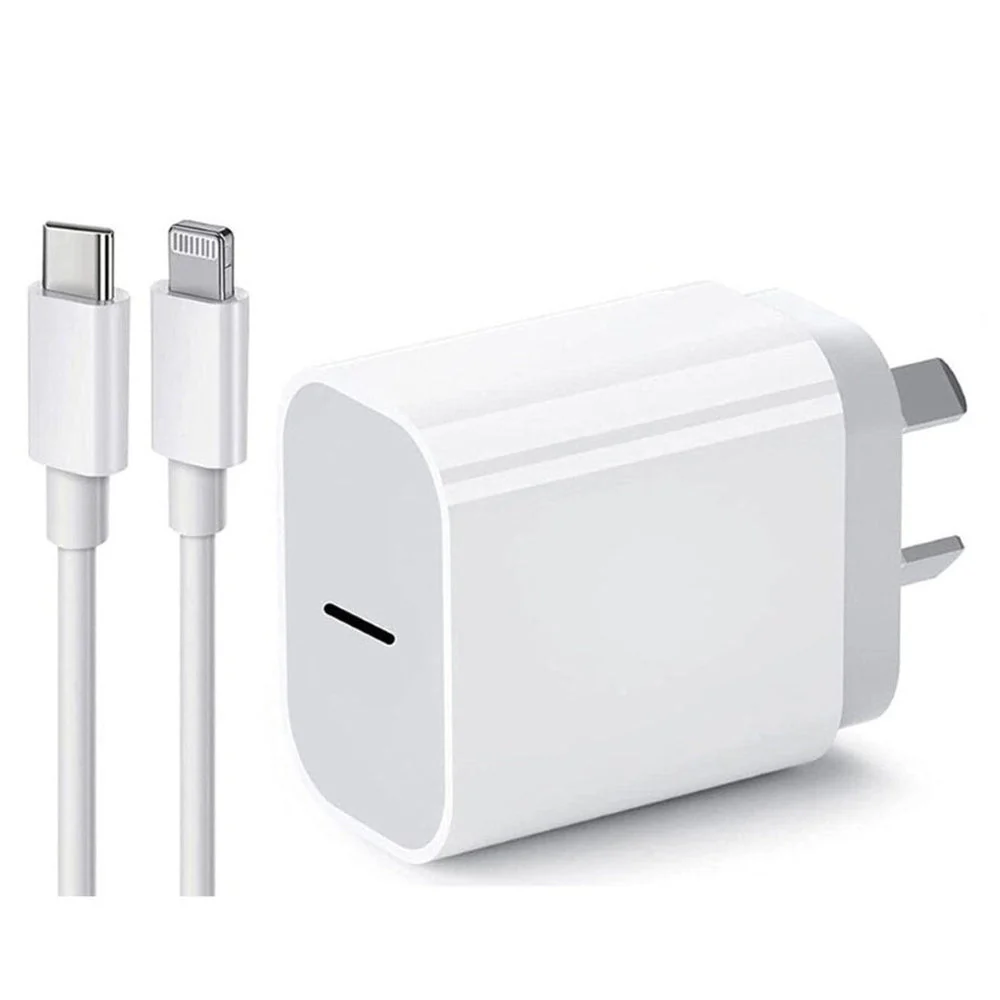
iPhone Fast Charger, 20W Adapter with USB-C to Lightning Cable Compatible with iPhone 14/13/12/11/X/9, iPad, AirPods
$8.41
NEW
450pcs M2 M2.5 M3 Countersunk Laptop and Electronic Screw
$4.66
-65%NEW
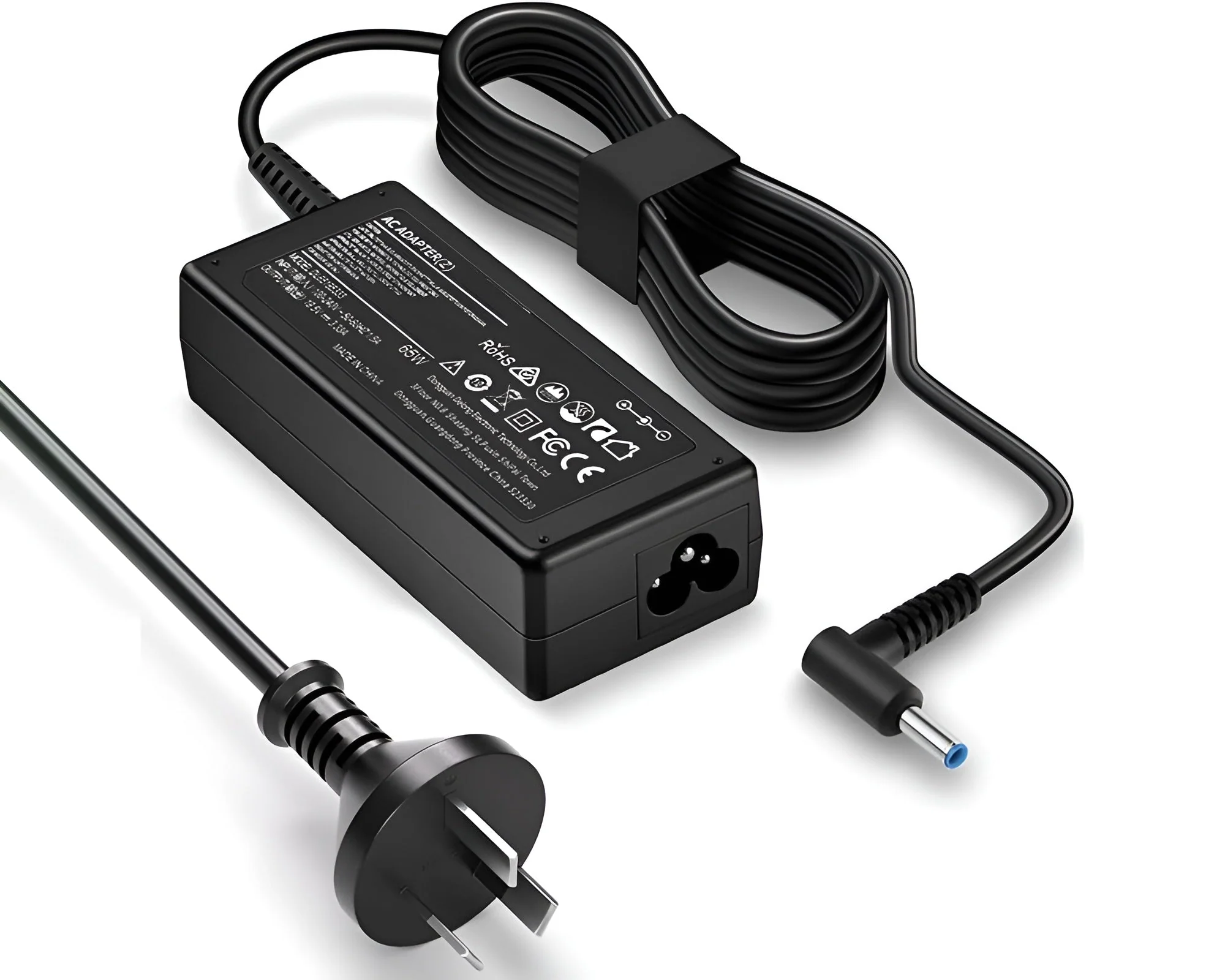
Blue Tip Power Adapter for HP Laptops 65W HP Laptop Charger
$7.26
$2.54
NEW
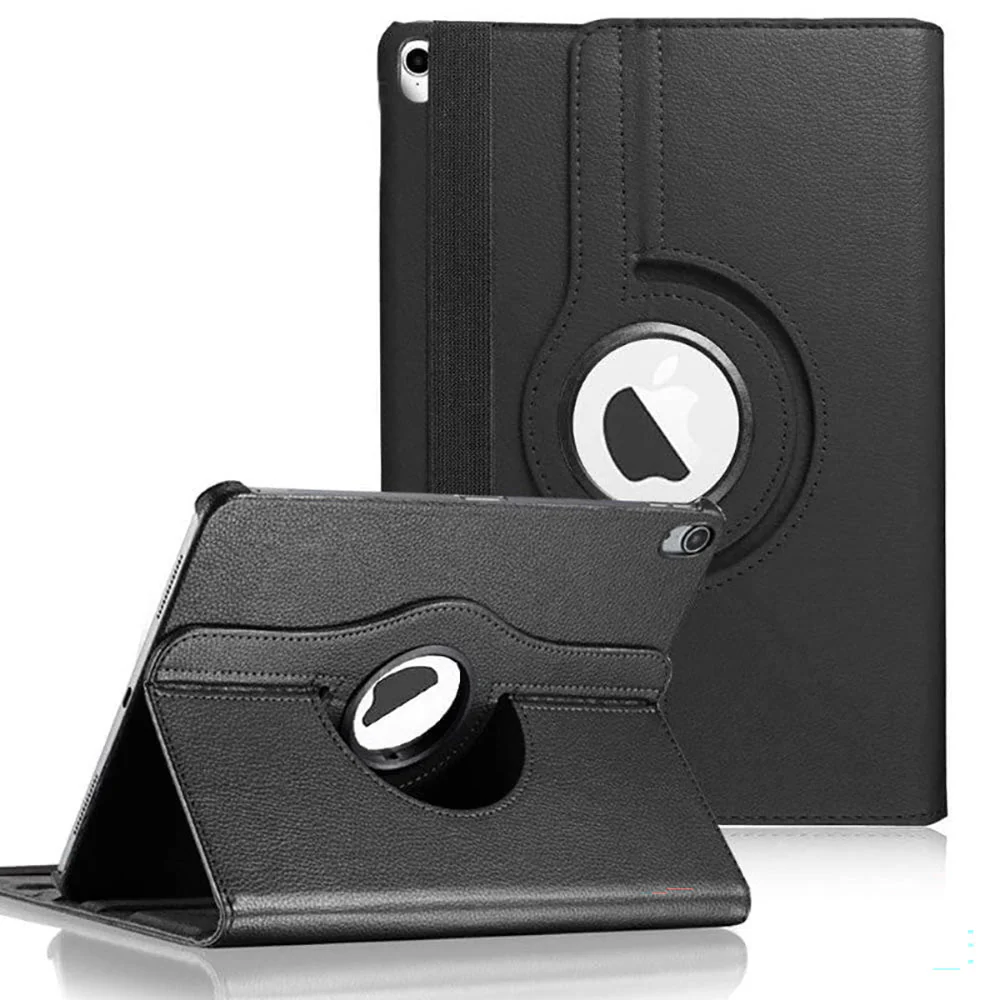
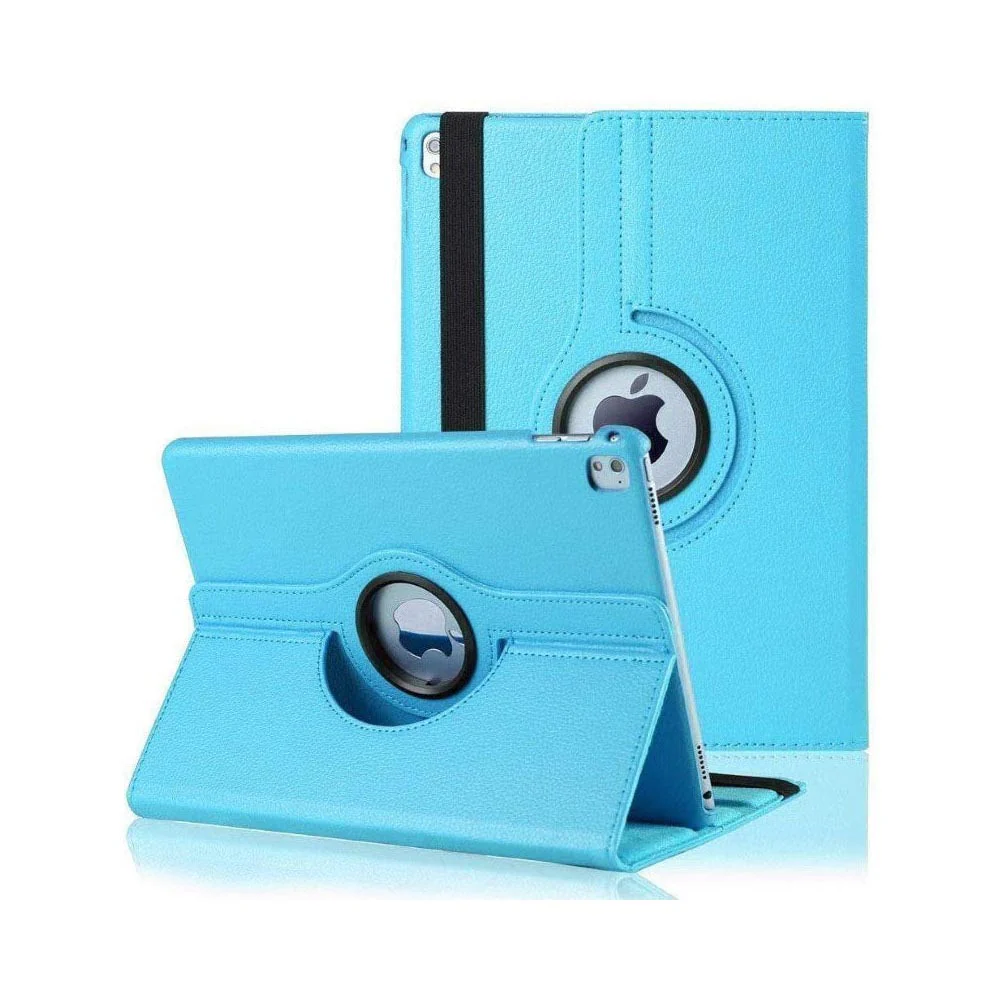
iPad Pro 11 Case 360 Degree Stand With Auto Wake Up/Sleep
$2.88
NEW
65W Lenovo Laptop Charger USB C
$17.06
NEW
Reading Book Stand Adjustable Wooden Bible Holder Bamboo Foldable Rack Tablet
$12.68
NEW
Replacement 230W Lenovo Savior laptop Charger
$34.58
NEW
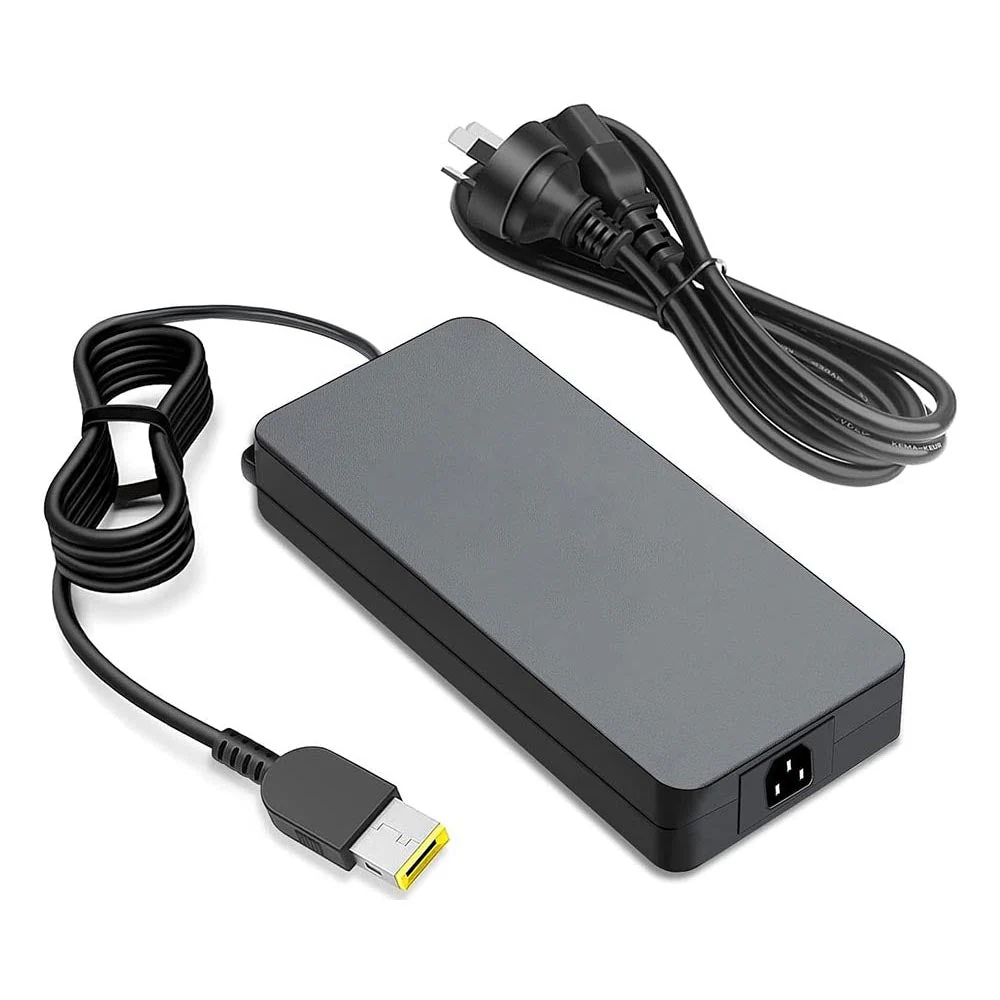
170W Lenovo Legion Laptop Charger
$28.82
NEW
Lenovo Laptop Charger 300W
$35.16
NEW
iPad 10.2 Case 2020 (8Th Gen) 360 Degree Stand With Auto Wake Up/Sleep
$4.03
-65%NEW
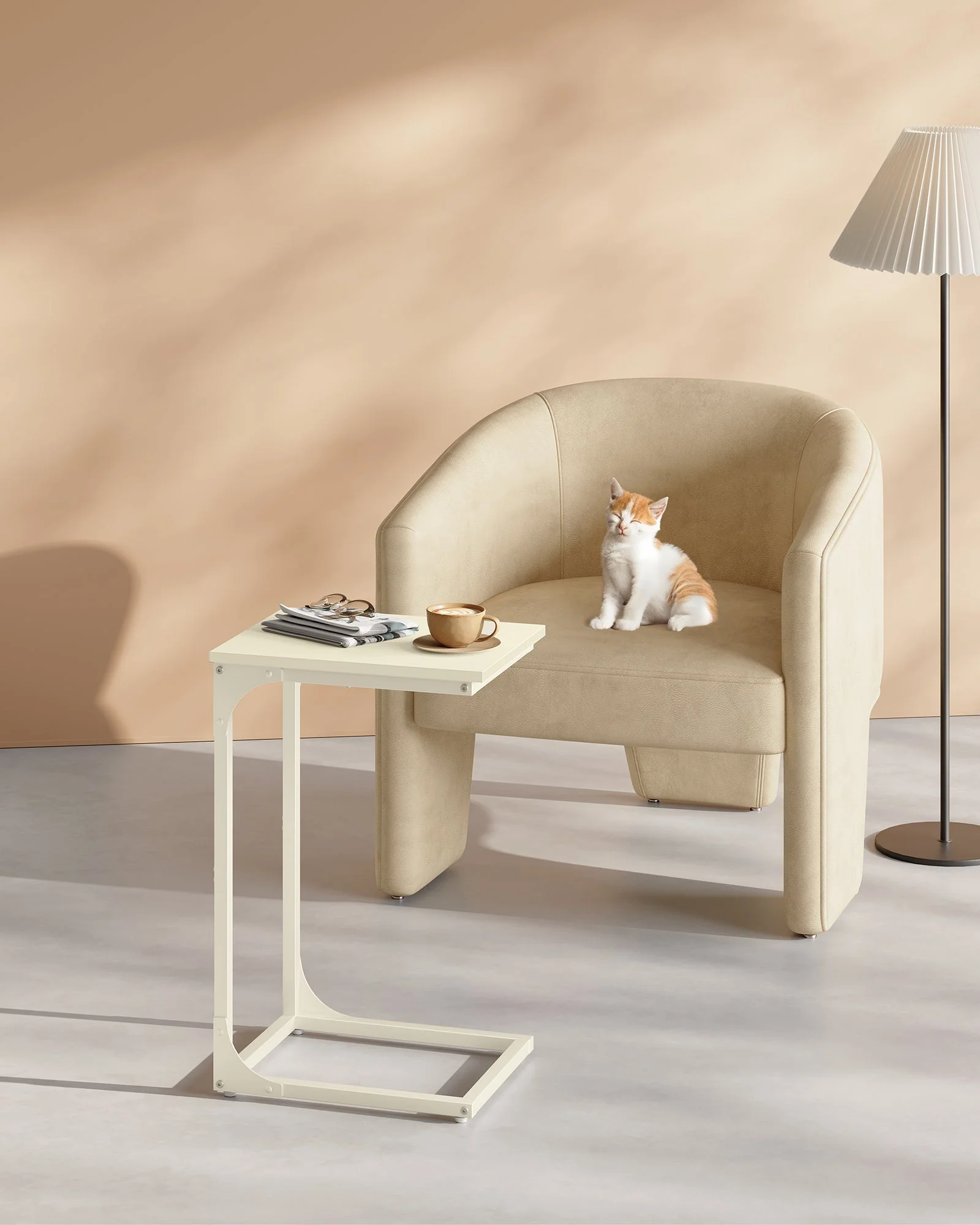
Vasagle C-Shaped End Table Bedside Laptop Table - Cream White
$24.72
$8.65
Hydrogel Screen Protector for Nokia N1 Tablet | Buy Kiwi